Quantization
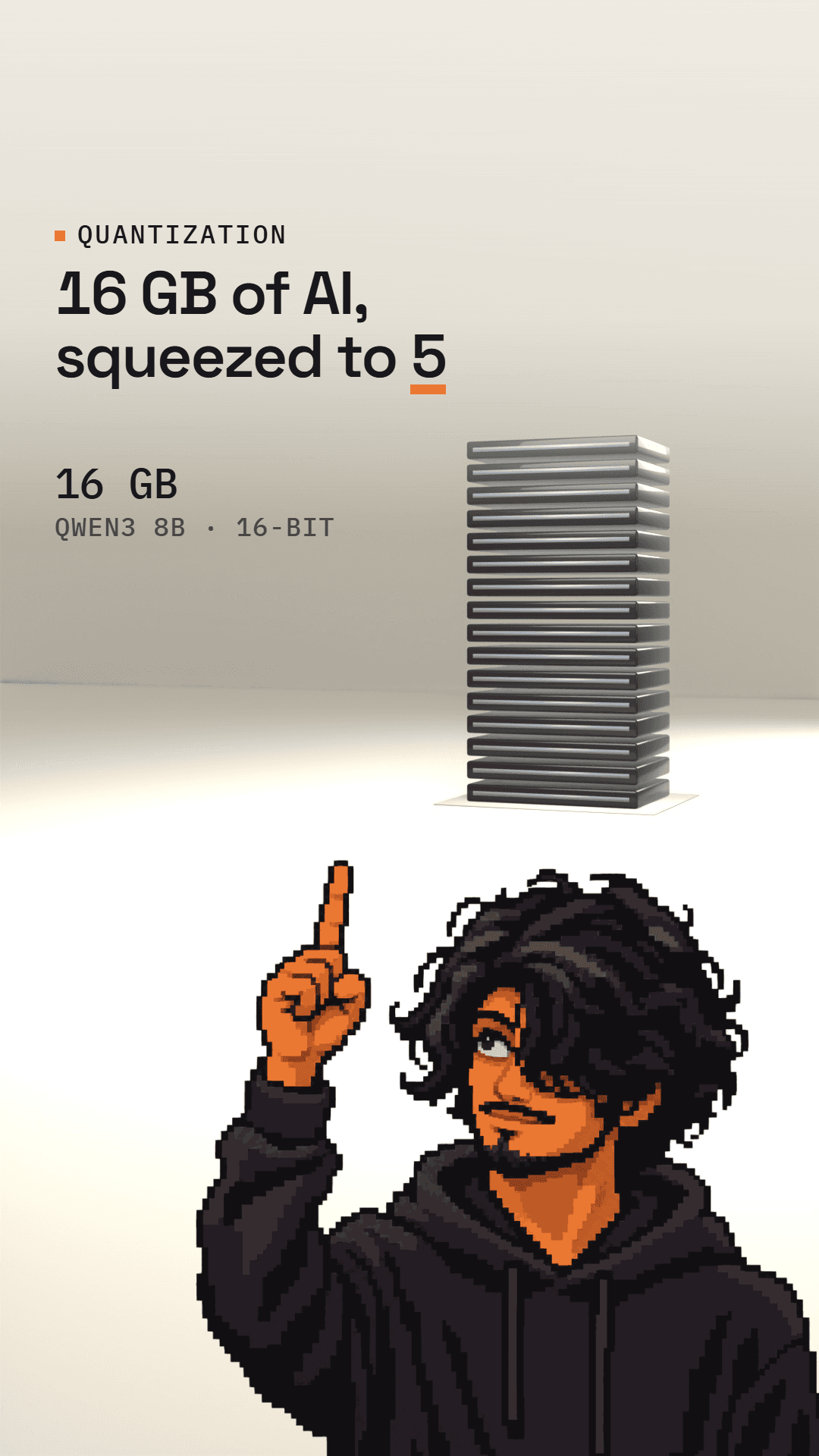
16 GB of AI, squeezed to 5
An AI model is mostly billions of numbers. Quantization rounds each one to fewer bits, which is how a 16 GB model like Qwen3 8B becomes a 5 GB file you can run locally.
By Laksh2 min readHow AI systems actually work
 Watch the reel41 s · InstagramWatch ↗
In short
Qwen3 8B has about 8.19 billion parameters stored at 16 bits each, about 16 GB. Its 4-bit Q4_K_M file is about 5 GB. At 4 bits each number has only 16 possible values, and small groups share a scale that maps them back. In one well-known llama.cpp test on LLaMA 7B, the 4-bit version scored within about 1% of the original; at 2 to 3 bits the drop was much larger.
An AI model is mostly a giant pile of numbers. Quantization is how people make that pile smaller, and it's why you can download a model that would otherwise be far too big to run on your own machine.
Why models are big
Take Qwen3 8B. It has about 8.19 billion numbers (its parameters), and as released each one is stored with 16 bits. That's 2 bytes per number, so the whole thing comes to about 16 GB just to load it.
Rounding every number off
Quantization stores each number with fewer bits. With 4 bits, a number can only take one of 16 values, so every number gets rounded to the nearest one.
That would wreck the numbers if all of them had to share one fixed set of values. So the model is split into small groups (in the common Q4_K format, blocks of 32 numbers), and each group stores a scale that stretches those 16 values back out to roughly the right size.
| Qwen3 8B | Size |
|---|---|
| Original, 16-bit | ~16.4 GB |
| Q8_0, 8-bit | ~8.7 GB |
| Q4_K_M, about 4-bit | ~5.0 GB |
The 4-bit file is a bit bigger than a pure 4 × 8.19B ÷ 8 = 4.1 GB because of those scales, and because a few sensitive parts are kept at higher precision.
The ruler and beads in the video are a simplified illustration, not how the file is actually laid out.
How much does it hurt?
Less than you'd think, down to a point. When llama.cpp introduced these formats, it measured perplexity (lower is better) on LLaMA 7B:
| Format | Perplexity | vs original |
|---|---|---|
| F16 (original) | 5.91 | |
| Q4_K_M | 5.96 | +0.9% |
| Q2_K | 6.78 | +15% |
So the 4-bit version stayed within about 1% in that test, while going down to 2 or 3 bits made it noticeably worse. That's one test on one older model, and results vary by model and task, so it's worth checking on your own use.
What to do with this
When you download a local model, the quantization type is right there in the file name: Q4_K_M, Q5_K_M, Q8_0 and so on. Q4 is a good place to start: much smaller than the original, with a small measured loss. Go higher if you have the memory and want to be safer; go lower only if you have to.
Sources
- 01Qwen3-8B model metadata
Qwen, Hugging Face API
- 02Qwen3-8B repository files
Hugging Face API
- 03Qwen3-8B-GGUF repository files
Qwen, Hugging Face API
- 04Quantization
Hugging Face Optimum docs
- 05k-quants (PR #1684)
llama.cpp, GitHub
- 06quantize README
llama.cpp, GitHub
Spotted a mistake? Tell me and I'll fix it.
Newsletter
New explainer? You hear first.
Each one is a single AI concept, explained in plain words, with the sources linked.